
 by
by Introduction to React.js
React.js tutorial is a powerful guide for learning how to build modern web applications using reusable components and efficient rendering techniques.In modern web development, user expectations have evolved significantly. Users now demand fast, dynamic, and highly interactive web applications. Traditional JavaScript methods often struggle to efficiently manage complex UI updates.
This is where React.js comes in — a powerful JavaScript library designed to simplify the process of building dynamic and responsive user interfaces. It enables developers to create scalable applications with better performance and maintainability.
You can also explore our Big Data guide to understand data processing and trends.
What is React.js?
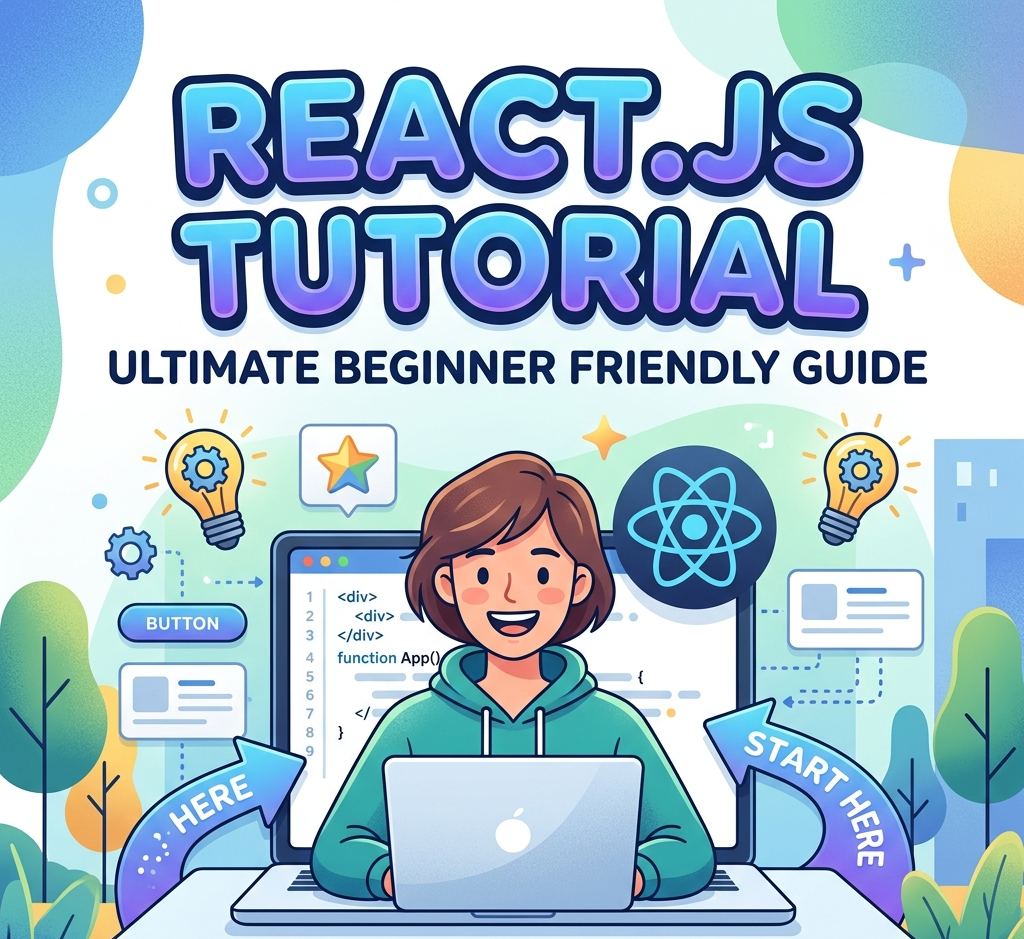
This React.js tutorial helps beginners understand components and UI development.React.js is an open-source JavaScript library primarily used for building user interfaces, especially for Single Page Applications (SPAs) where content updates dynamically without reloading the page.
It was developed by Facebook (now Meta) and is widely used by companies across the world due to its efficiency and flexibility.
In simple terms:
React allows developers to build UI using reusable components and update them efficiently when data changes.
Why React.js is So Popular
React has become one of the most preferred tools for developers because it solves many real-world problems in UI development.
Key reasons:
- Reusable Components – Write once, use multiple times
- High Performance – Uses Virtual DOM for fast updates
- Modular Structure – Easy to manage large applications
- Strong Community Support – Huge ecosystem and resources
- Flexibility – Works with other libraries and tools easily
Why React.js Tutorial is Important for Beginners
A React.js tutorial is very important for beginners because it helps them understand the basics of modern web development in a simple and structured way. React.js makes it easier to build user interfaces using reusable components, which saves time and effort.
With the help of a React.js tutorial, beginners can learn how to manage data, create interactive elements, and build fast-loading applications. It also provides a clear understanding of concepts like components, state, and props, which are essential for real-world projects.
Additionally, following a React.js tutorial allows beginners to practice with examples and improve their coding skills step by step. This makes learning more effective and helps in building confidence for developing professional web applications.
Core Concepts of React.js (Very Important)
1. Components
Components are the building blocks of React applications.
Types:
- Functional Components (modern & recommended)
- Class Components (older approach)
Each component manages its own logic and UI.
2. JSX (JavaScript XML)
JSX allows you to write HTML-like code inside JavaScript.
Example:
const element = <h1>Hello World</h1>;
Benefits:
- Easier to read and write
- Combines UI and logic in one place
3. Virtual DOM
Instead of updating the real DOM directly, React uses a Virtual DOM.
How it works:
- Creates a virtual copy of the UI
- Detects changes (diffing algorithm)
- Updates only changed parts
Result: Faster performance and smoother UI
4. State
State is used to store data that can change over time.
Example:
const [count, setCount] = useState(0);
When state changes → UI automatically updates
5. Props (Properties)
Props are used to pass data from one component to another.
Example:
<Welcome name="John" />
Props are read-only
6. Hooks (Modern React Feature)
Hooks allow you to use state and other features in functional components.
Common Hooks:
useState()→ Manage stateuseEffect()→ Handle side effectsuseContext()→ Manage global data
How React.js Works (Step-by-Step)
- User interacts with UI
- State changes
- React updates Virtual DOM
- Compares with previous version
- Updates only necessary parts in Real DOM
This process is called Reconciliation
Advantages of React.js (Detailed)
Performance Optimization
- Virtual DOM ensures minimal updates
- Faster rendering compared to traditional DOM
Reusability
- Components can be reused across the application
- Reduces development time
Easy Debugging
- Predictable data flow
- Powerful developer tools
Cross-Platform Development
- React Native allows mobile app development
SEO-Friendly
- Supports server-side rendering (SSR) using frameworks like Next.js
Disadvantages of React.js
Not a Full Framework
- Requires additional libraries (Routing, State Management)
Learning Curve
- Concepts like Hooks, JSX can confuse beginners
Rapid Changes
- Frequent updates in ecosystem
React.js Architecture
React follows a component-based architecture.
Structure:
- UI divided into small reusable components
- Each component handles its own logic
- Parent-child relationship between components
Makes large applications easier to manage
Real-World Applications of React.js
React is used in many major platforms:
- Social Media Apps
- E-commerce Websites
- Admin Dashboards
- Streaming Platforms
- Business Web Apps
React vs Other Frameworks (Detailed Comparison)
| Feature | React.js | Angular | Vue.js |
| Type | Library | Full Framework | Framework |
| Flexibility | Very High | Medium | High |
| Performance | High | Medium | High |
| Learning Curve | Moderate | Difficult | Easy |
| Usage | UI Development | Full App Dev | UI Development |
React is best when you want flexibility + performance
React Ecosystem (Important for Career)
React alone is not enough for full development.
Common tools used with React:
- React Router → Navigation
- Redux / Context API → State management
- Next.js → Server-side rendering
- Axios / Fetch → API calls
Future of React.js (2025 and Beyond)
React continues to evolve with:
- Server Components
- AI-integrated UI systems
- Faster rendering techniques
- Better SEO support
Demand for React developers is expected to grow even more.
Best Practices in React.js
- Use functional components
- Keep components small and reusable
- Use proper file structure
- Avoid unnecessary re-renders
- Use keys in lists
FAQ (Detailed)
Q1. What is React.js mainly used for?
React.js is used to build dynamic and interactive user interfaces.
Q2. Is React.js frontend or backend?
React is a frontend library.
Q3. Do I need JavaScript before learning React?
Yes, basic JavaScript knowledge is required.
Q4. Is React good for beginners?
Yes, but understanding concepts like state and hooks is important.
Q5. Which is better: React or Angular?
React is more flexible, Angular is more structured.
For more details, visit the official React.js website to explore documentation and resources.
Conclusion
In conclusion, this React.js tutorial provides everything you need to get started with modern web development.React.js is one of the most powerful and widely used JavaScript libraries for building modern web applications. Its component-based structure, performance optimization, and flexibility make it an essential tool for developers.
If you want to build scalable and high-performance web apps, learning React.js is a must in 2025.



One thought on “React.js Tutorial 2025: Ultimate Complete Beginner Friendly Guide”